
How Can We Help?
Downgrade My Email Account Plan
If you find you need less storage space or email addresses, you can downgrade your email service.
- Go to your inCloud Server Hosting product page.
- Scroll down to Workspace Email and select Options next to the email plan you want to downgrade.
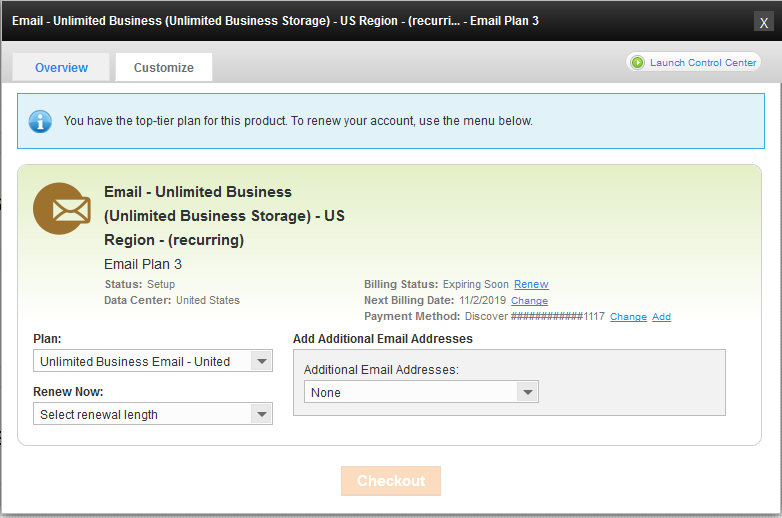
- On the Customize tab, from the Plan drop-down list, select the plan you want to downgrade to.
- Click Save Changes to confirm the downgrade.