Linux VPS hosting

Linux VPS hosting with root access and self-managed control.

Compare live Linux VPS plans, CPU, RAM and SSD capacity when you need SSH, administrator-level control and the flexibility to configure the server yourself.

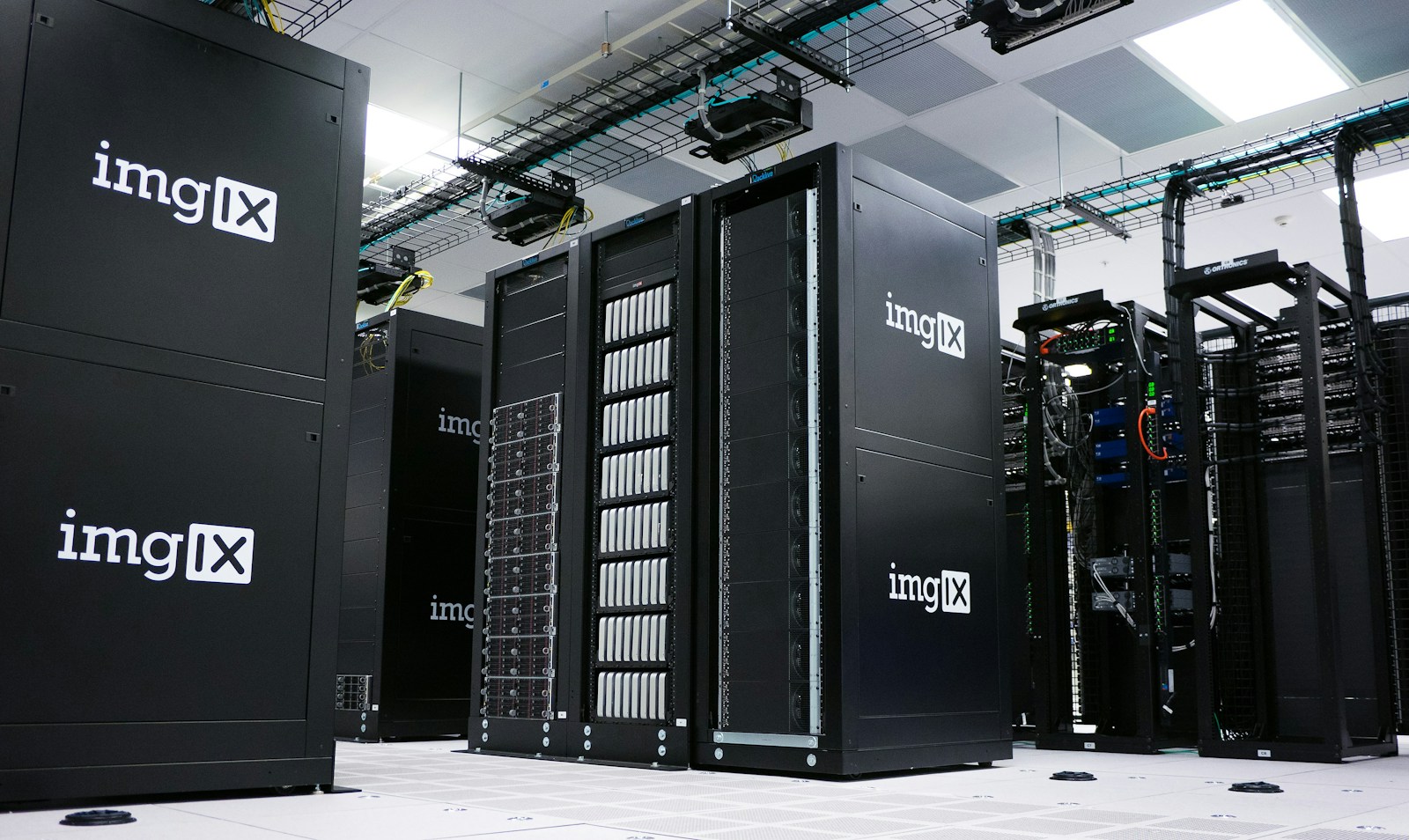
Modern data center server infrastructure
Before you buy

Pricing can vary by term and promotion. Review the billing period, total due and renewal details presented in the cart.

Quick decision guide

Choose by what the website actually needs.

Choose self-managed Linux VPS when

Your team can operate Linux, SSH, networking, updates, backups and the application stack without relying on shared-hosting restrictions.

Use root/admin access when

You need operating-system-level privileges for packages or configuration. The platform disables admin/root access by default for security and lets you enable it when needed.

Add a control panel when

A qualifying VPS configuration supports cPanel or Plesk and the licensing cost makes sense for your hosting workflow.

Plan features, billing terms and prices can change. Use the live plan cards and cart below for the current offer.

Current plans

Choose the option that fits your needs.

Product names, prices and checkout actions below are loaded automatically from the current product catalog.

Self Managed VPS 1 vCPU 1 GB RAM

$7.99 / per month
  • 1 CPU Core
  • 1 GB RAM
  • 20 GB SSD Storage
  • Linux only, no control panel*

*If you’re running a high-resource intensive Windows OS or control panel, we strongly recommend a minimum of 2 GB of RAM. (The 1 GB plan will result in deficient server performance.)

$7.99 / per month

Self Managed VPS 2 vCPU 4 GB RAM

$43.99$27.00 / per month
  • 2 CPU Cores
  • 4 GB RAM
  • 100 GB SSD Storage
$43.99$27.00 / per month

Self Managed VPS 2 vCPU 8 GB RAM

$66.99$41.00 / per month
  • 2 CPU Cores
  • 8 GB RAM
  • 100 GB SSD Storage
$66.99$41.00 / per month

Self Managed VPS 4 vCPU 8 GB RAM

$86.99$55.00 / per month
  • 4 CPU Cores
  • 8 GB RAM
  • 200 GB SSD Storage
$86.99$55.00 / per month

Self Managed VPS 8 vCPU 16 GB RAM

$149.99$95.00 / per month
  • 8 CPU Cores
  • 16 GB RAM
  • 400 GB SSD Storage
$149.99$95.00 / per month

Self Managed VPS 4 vCPU 16 GB RAM

$108.99$68.00 / per month
  • 4 CPU Cores
  • 16 GB RAM
  • 200 GB SSD Storage
$108.99$68.00 / per month

Self Managed VPS 8 vCPU 32 GB RAM

$212.99$135.00 / per month
  • 8 CPU Cores
  • 32 GB RAM
  • 400 GB SSD Storage
$212.99$135.00 / per month

Self Managed VPS 16 vCPU 32 GB RAM

$228.99 / per month
  • 16 CPU Cores
  • 32 GB RAM
  • 800 GB SSD Storage
$228.99 / per month

Self Managed VPS 16 vCPU 64 GB RAM

$292.99 / per month
  • 16 CPU Cores
  • 64 GB RAM
  • 800 GB SSD Storage
$292.99 / per month

Self Managed VPS 32 vCPU 128 GB RAM

$397.99 / per month
  • 32 CPU Cores
  • 128 GB RAM
  • 1.5 TB SSD Storage
$397.99 / per month

A displayed monthly equivalent does not necessarily mean month-to-month billing. Confirm the available term and renewal information in the cart before completing your order.

Who it is for

Is this the right type of product for you?

Developers, agencies and technical teams that want a self-managed Linux VPS with server-level control.

1Compare the current plansUse live product pricing rather than old static page prices.
2Review the billing termConfirm total due and renewal information in cart.
3Complete secure checkoutYour selection continues through secure checkout.

Plan with confidence

Understand the product before you buy.

Use the practical details below to compare requirements, responsibilities and the right fit for your project.

Linux VPS hosting with full server-level control

Self-managed VPS hosting is designed for developers, agencies and technical teams that want a Linux virtual server they can administer themselves. The current catalog scales from smaller VPS configurations through high-memory plans, so you can choose CPU, RAM and SSD capacity based on the workload instead of moving to a dedicated server too early.

The live plan cards above remain the source of truth for current resources, pricing and checkout terms.

Root access and SSH on a VPS

The underlying VPS platform supports SSH access and administrator/root access. Provider documentation notes that root/admin access is disabled by default for security and can be enabled when you need to install software or make system-level configuration changes.

Root access is powerful because it lets you change the operating system, packages, services and server configuration. It also means a mistake can break the server. Use administrator privileges only when needed and keep a tested recovery path.

Official references: enable root/admin access and connect with SSH.

Which Linux VPS plan should you choose?

Current resource tier Planning use What to watch
1 vCPU / 1 GB RAM / 20 GB SSD Very lightweight Linux services and testing. The current catalog marks this tier Linux-only with no control panel and recommends more memory for resource-intensive operating systems or control panels.
2 vCPU / 4 GB RAM / 100 GB SSD Small application stacks, development environments and lower-traffic services. Database memory, containers and background jobs can quickly consume available RAM.
4 vCPU / 8 GB RAM / 200 GB SSD Growing applications, multiple services and heavier web workloads. Measure peak CPU and memory rather than sizing from idle usage.
8+ vCPU / 16+ GB RAM Larger application stacks, multiple sites or services with higher concurrency. At this point, architecture and application optimization matter as much as raw server size.

Use our VPS RAM sizing guide to estimate the complete workload rather than choosing a tier by name alone.

Can you use cPanel or Plesk on a VPS?

Current provider documentation lists cPanel or Plesk as available on qualifying VPS configurations. A control panel is not the same thing as the VPS itself, and licensing or configuration can affect the total cost. Confirm the currently available operating system, control-panel option and license price during configuration or checkout.

If you are deciding between the two interfaces, read our cPanel vs Plesk guide. If you only need traditional shared hosting with a control panel, compare our cPanel hosting and Plesk hosting instead of taking on VPS administration.

How to secure a self-managed VPS

Self-managed means you are responsible for the server operating system and its security configuration. At minimum, plan for operating-system updates, SSH access, firewall rules, service exposure, backups, monitoring and recovery.

  • Keep the operating system and server packages patched.
  • Use strong administrator credentials and SSH keys where appropriate.
  • Expose only the ports your applications actually need.
  • Remove or disable services you are not using.
  • Back up application data, databases and configuration separately from the live server.
  • Monitor disk, memory, CPU and authentication activity.
  • Test recovery before you need it.

Use our secure VPS checklist for a fuller production-hardening workflow.

First-time VPS setup

After purchase, the provider setup flow asks you to choose items such as the server name, data center and operating system before provisioning the server. From there, connect with SSH, update the system, configure access and firewall rules, then install the web stack or applications you actually need.

See our VPS setup guide for the complete order of operations.

Self-managed VPS vs fully managed VPS

Choose self-managed VPS when root-level control matters and your team can operate Linux, networking, security, backups and application services. Choose fully managed VPS when you need the same class of server resources with more server-management assistance.

For a side-by-side decision, see Managed VPS vs Self-Managed VPS.

Frequently asked questions

Does self-managed VPS include root access?

The VPS platform supports root/admin access. Provider documentation says admin/root access is disabled by default for security and can be enabled when needed.

Is this Linux VPS hosting?

Yes. The current self-managed reseller products are Linux VPS products. Available operating-system choices should still be confirmed during configuration because platform options can change.

Does cPanel come free with the VPS?

Do not assume that. Current provider documentation says cPanel or Plesk can be available on qualifying plans, but licensing and configuration can affect cost. Confirm the control-panel option during purchase.

Is self-managed VPS secure?

A VPS can be operated securely, but a self-managed server requires you to maintain the operating system, access controls, firewall, updates, backups and applications. Security is an ongoing operational responsibility, not a one-time setting.

Compare the full VPS range

Not sure whether self-managed is the right management model? Start with VPS Hosting to compare managed and self-managed server paths before choosing a Linux VPS tier.

Questions

What to know before choosing.

Is this Linux VPS hosting?

Yes. The current self-managed reseller products are Linux VPS products. Confirm the currently available operating-system choices during configuration.

Does the VPS support root access?

The underlying VPS platform supports admin/root access and SSH. Provider documentation says admin/root access is disabled by default for security and can be enabled when needed.

Can I use cPanel or Plesk?

Current provider documentation lists cPanel or Plesk as available on qualifying VPS configurations. Confirm availability and licensing during configuration or checkout.

What does self-managed mean?

You are responsible for the operating system, security, updates, services, backups and application stack unless the current product terms state otherwise.

Helpful guides

Learn before you choose.

Use these practical guides to compare your options and understand what the product is designed to do.

Still deciding?

Start with what you need now and expand later.

Buyer decision guide

Self-managed VPS: more control also means more responsibility

Self-managed VPS hosting is a strong fit for technical teams that want server-level control. Use the live plan cards for current CPU, RAM and storage; then make sure your team is prepared to operate and secure the server stack.

Good fit: developers and administrators comfortable with operating-system, patching, security and application configuration tasks.

Choose RAM by workload: do not buy a server size only because a competitor labels it starter, business or premium.

Prefer managed VPS when the team does not want to own routine server administration.

Related inCloudServer guides and tools

Primary references: NIST Guide to General Server Security

Pin It on Pinterest