
How Can We Help?
Request Access to Another Person’s inCloud Server Hosting Account
If you need to help someone manage their products in a inCloud Server Hosting account, you can request delegate access from the account owner. Delegate access allows you to open and use products in the account without needing the account password.
- Go to your inCloud Server Hosting Delegate Access page. You might be prompted to log in.
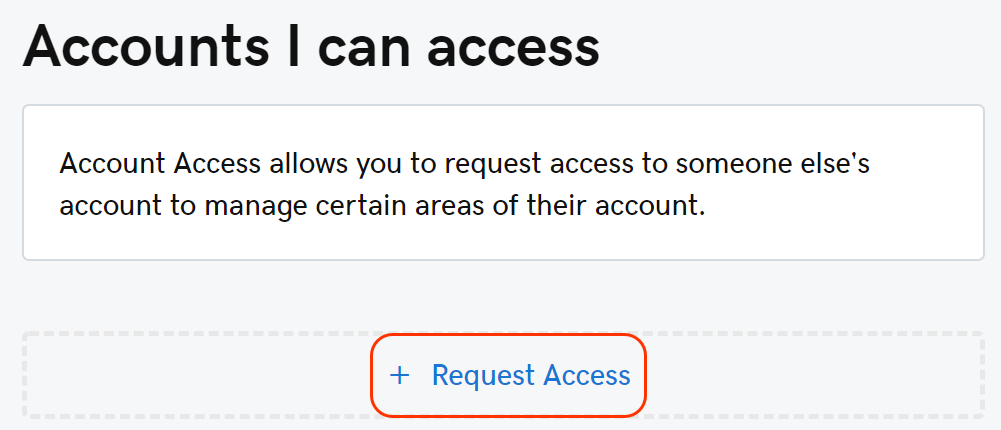
- At the bottom of the Accounts I can access section, click + Request Access.
- Complete these fields:FieldWhat to doAccount holder nameEnter the name of the person who owns the account you want to access. This person will see the name you enter in the email notifying them of your request. You’ll also continue to see this name in your list of accounts you can access.Account holder emailEnter the account owner’s email address. This doesn’t have to be the email address on their inCloud Server Hosting account. You can enter any email address that the owner uses.Access level requestedSelect the access level you want. The account owner can change your access level before accepting your request.
- Click Request.
We’ll email the owner your request. Once the request is accepted, we’ll email you a final confirmation.
Related step
- Once you’re given access, you can log in to the owner’s account.
More info
- Learn more about which products support delegate access.
- Delegate access is not reciprocal – that is, if an account owner invites you to access that account, that owner does not also receive delegate access to your inCloud Server Hosting account unless you invite that owner.
- Pending access requests can’t be cancelled, but they expire automatically if they’re not accepted within 48-72 hours.