
How Can We Help?
See My inCloud Server Hosting Receipts
We keep track of all your purchases in your account’s Order History. Follow these steps to see and download your inCloud Server Hosting receipts.
- Go to your inCloud Server Hosting Order History page. You might be prompted to log in.
- The list shows purchase numbers, dates and the amount spent. To find a specific receipt, use the Filters options.
- To export to a CSV file, select your receipt and then click Export to CSV.
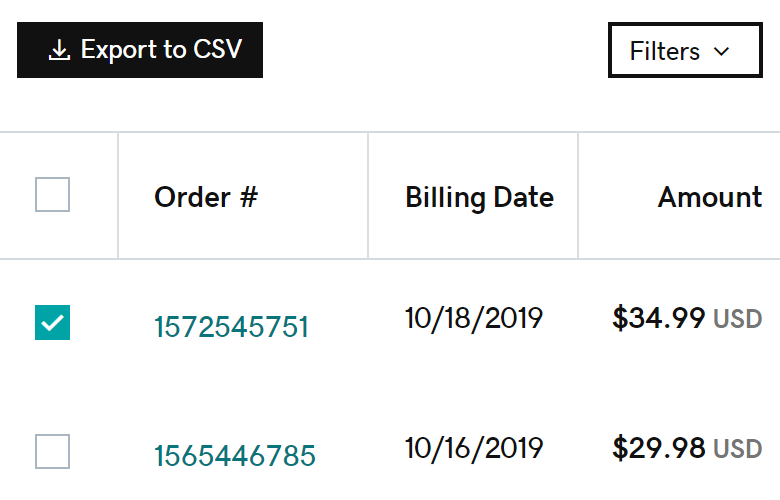
- Click any receipt number to see more details, including the billing address, payment information and the product purchased. If you need a hard copy, click Print to PDF.
More info
- Most products auto-renew by default, but you can turn off auto-renew for a product.
- You can add additional payment methods to your account at any time.
- Delete payment methods you don’t want to use if none of your products are set to use it.
- You can only add PayPal as a payment method when you use PayPal to buy a product.