
How Can We Help?
Edit My Domain Forwarding
After you’ve forwarded a domain, you can update the forwarding settings at any time.
- Log in to your inCloud Server Hosting Domain Control Center. (Need help logging in? Find your username or password.)
- Select your domain name from the list to access the Domain Settings page.
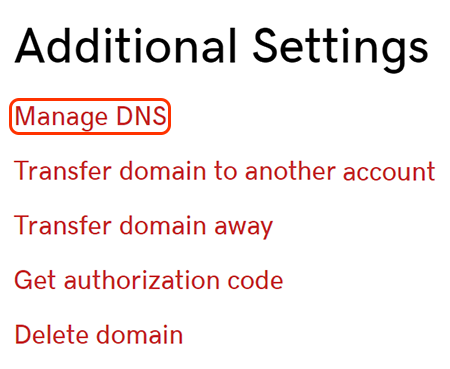
- On the Domain Settings page, scroll down to Additional Settings and select Manage DNS.
- Scroll down to the Forwarding section.
- Select the pencil icon next to your forwarded domain or subdomain.
- Edit existing forwarding settings or add new settings.
- Select Save. Your changes will take take effect in the next 24-48 hours.
Related step
- If you want the www version of your domain name to forward as well, make sure your www A record is pointing to @.
More info
- Keep your domain active and avoid expiration by turning on auto renew.